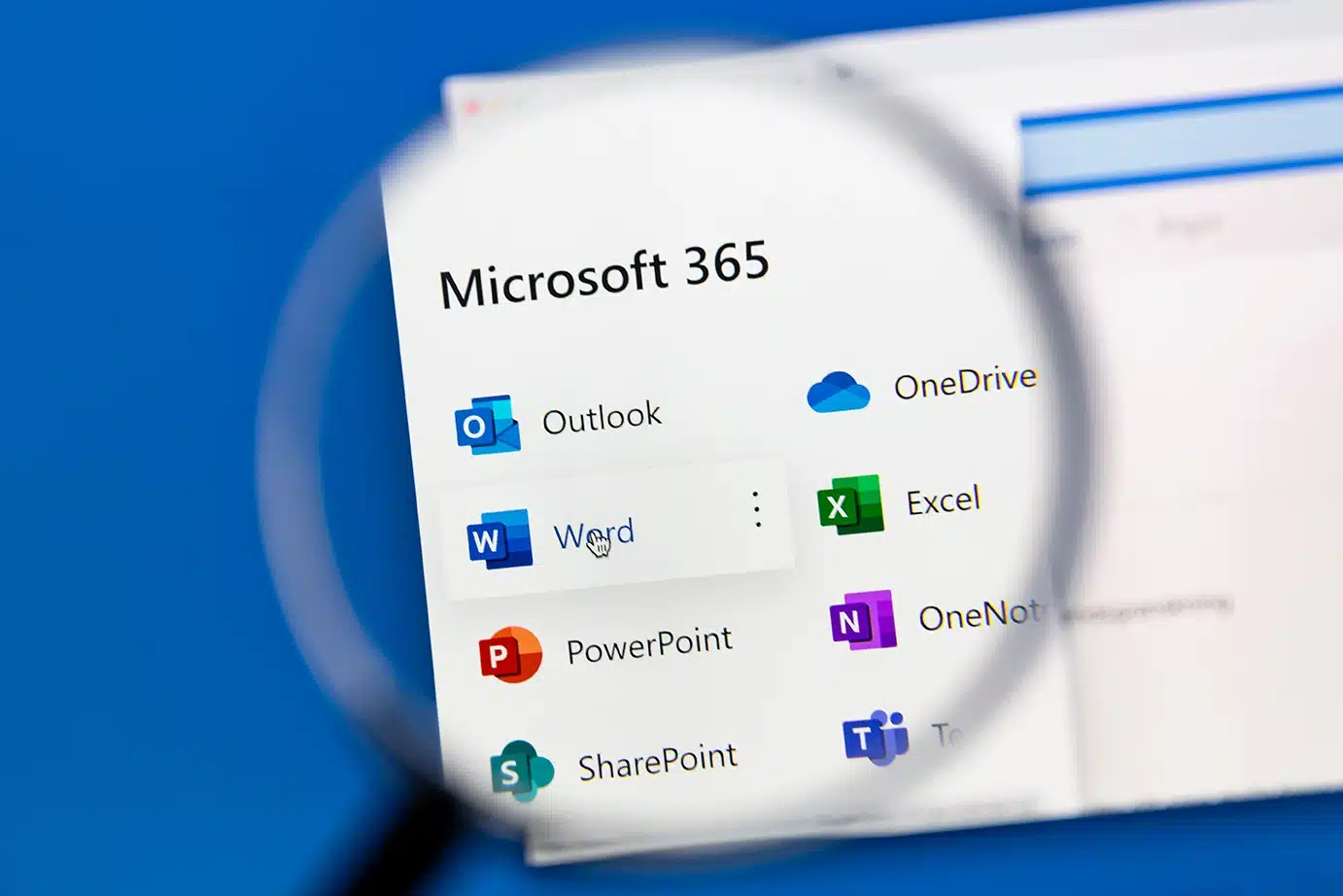
Microsoft 365 has become the backbone of modern business. Email lives in Exchange. Files live in OneDrive and SharePoint. Conversations and collaboration happen in Teams. For many organizations, Microsoft 365 is their business. That’s why this surprises so many IT leaders:
Microsoft does not back up your Microsoft 365 data in the way most people expect.
At SmartBase Solutions, this is one of the most common (and most fixable) gaps we see across healthcare, finance, SaaS, and other regulated industries. And it’s also one of the easiest wins when it comes to protecting your business from data loss.
Let’s break down what Microsoft actually covers, what they don’t, and why having your own Microsoft 365 backup matters.
The Common Misconception: “Microsoft Backs Up Our Data”
Microsoft provides a highly available platform, but that’s not the same thing as a backup. High availability means Microsoft works hard to keep their systems running, while backup means your organization can restore lost data when something goes wrong.Microsoft is very clear about this distinction in their shared responsibility model. They are responsible for keeping the platform online. You are responsible for protecting your data. If data is deleted, corrupted, encrypted, or overwritten, Microsoft generally assumes it was intentional, even if it wasn’t.
What Microsoft 365 Actually Protects (and What It Doesn’t)
 Microsoft 365 includes basic retention and recycling features, but these are limited and often misunderstood.
Here’s what that means in practice:
- Deleted emails may be recoverable for a short window
- Files removed from OneDrive or SharePoint may sit in a recycle bin temporarily
- Teams messages may be retained briefly depending on policies
But once retention windows expire, or if data is permanently deleted, Microsoft does not restore it for you. There is no “undo” button for most real-world scenarios.
Real-World Scenarios Where Data Is Lost
This is where Microsoft 365 backups stop being theoretical and start being necessary.
Accidental Deletion
An employee deletes an important folder or email thread. It isn’t noticed until weeks later — after retention windows have passed.
Ransomware or Malicious Encryption
Attackers increasingly target cloud data, not just servers. Files synced through OneDrive or SharePoint can be encrypted and synced across all users almost instantly.
Insider Mistakes
A well-meaning admin cleans up accounts, folders, or permissions and unintentionally deletes critical data.
Legal, Compliance, or Audit Needs
You need a historical version of data that no longer exists in Microsoft 365’s native tools.
Departing Employees
When accounts are removed or licenses reclaimed, data is often lost or fragmented unless it’s been backed up independently.
In all of these cases, Microsoft does not step in to restore your environment.
Why Microsoft’s Built-In Tools Aren’t Enough
Retention policies and recycle bins are not backups. They are:
- Time-limited
- Policy-dependent
- Not designed for full recovery
- Not isolated from malicious changes
A true backup must be:
- Separate from Microsoft’s production environment
- Immutable (cannot be altered or encrypted by attackers)
- Searchable and restorable at a granular level
- Retained based on your business and compliance needs
What a Proper Microsoft 365 Backup Should Cover
A complete Microsoft 365 backup protects all of your business-critical data, including:
- Exchange Online (email, calendars, contacts)
- OneDrive for Business (user files)
- SharePoint Online (team and department sites)
- Microsoft Teams (conversations, files, structure)
And it should allow you to restore:
- A single email
- A file or folder
- An entire user
- A full site or mailbox
Without waiting days or weeks.
Why This Matters Even More for Regulated Industries
Healthcare, finance, and compliance-driven organizations face additional risks:
- HIPAA, SOC 2, and HITRUST require data availability and recoverability
- Cyber insurance policies increasingly require documented backups
- Auditors expect clear answers about how cloud data is protected
- Downtime or data loss can directly impact patient care or customer trust
In these environments, “we thought Microsoft had it covered” is not an acceptable answer.
How SmartBase Solutions Helps Protect Microsoft 365 Data
SmartBase provides fully managed Microsoft 365 backups designed for organizations that can’t afford data loss or uncertainty.
Our approach includes:
- Automated backups of Exchange, Teams, OneDrive, and SharePoint
- Secure, isolated backup storage
- Granular recovery options
- Long-term retention aligned to compliance needs
- Monitoring and verification to ensure backups are actually working
Most importantly, we make this simple.
- No extra tools for your team to manage.
- No guesswork about whether data is protected.
- No scrambling when something goes wrong.
One of the Easiest Wins in IT Security
Microsoft 365 backups are one of the highest-impact, lowest-friction improvements an organization can make.
- They don’t require changing how your team works.
They don’t disrupt users. - They simply close a gap most businesses don’t realize exists — until it’s too late.
If your organization relies on Microsoft 365, backing it up isn’t optional anymore. It’s basic risk management.
Want to Know If Your Microsoft 365 Data Is Truly Protected?
SmartBase Solutions works with organizations across Minnesota and the U.S. to secure their Microsoft 365 environments and eliminate blind spots around data protection. If you’re not sure how your Microsoft 365 data would be recovered after an accident, attack, or audit request, we can help you evaluate your current setup and close the gap.
Reach out to SmartBase Solutions to start the conversation.